What this article covers
This article describes how to activate a 30-day trial of Address Validation for Power Apps.
The following video walks you through activating a trial license key.
Activate a 30-day trial license key
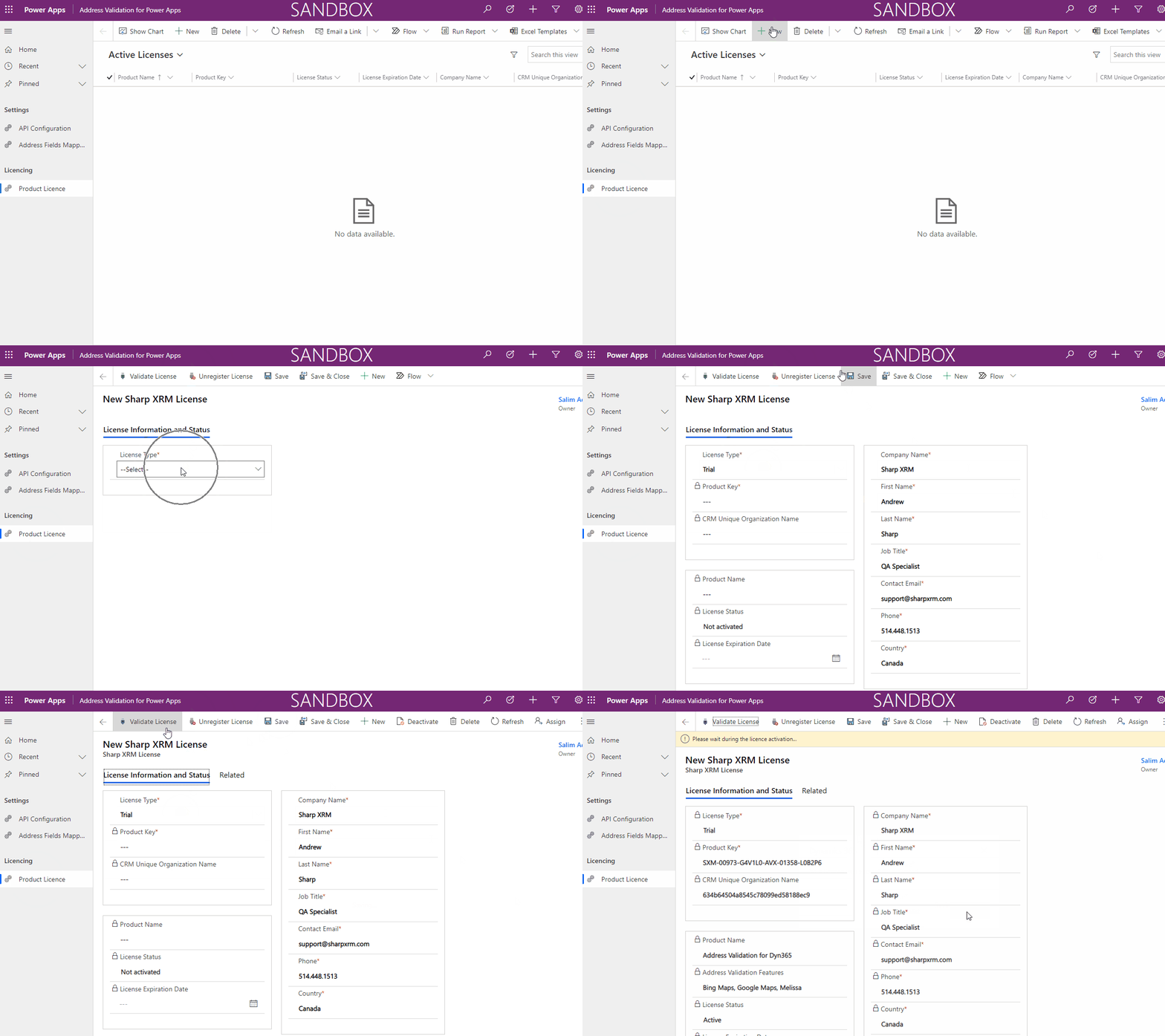
- Open the Address Validation for Power Apps app and go to Licencing > Product Licence (named Product Key in some versions).
- Create a new license.
- Select Trial in the License Type field.
- Fill out the company and contact information.
- Select Save, then Validate License. This validates the license information with our license servers. It requires internet access and can take up to a minute.
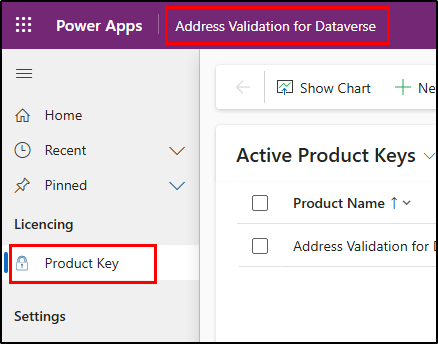
The read-only fields are filled in and your product key is displayed in the Product Key field. Take note of your License Expiration Date.
Note: you cannot activate more than one trial on the same Dataverse organization without submitting a request to support.